Your website is often the first place a potential patient gets to know your practice. They may find you through search, a referral or your Google Business Profile, but they’ll usually visit your website before deciding to call. A website that is slow, confusing or outdated sends them elsewhere. A website built around patient needs turns visitors into appointments.
Here’s what makes a medical practice website convert.
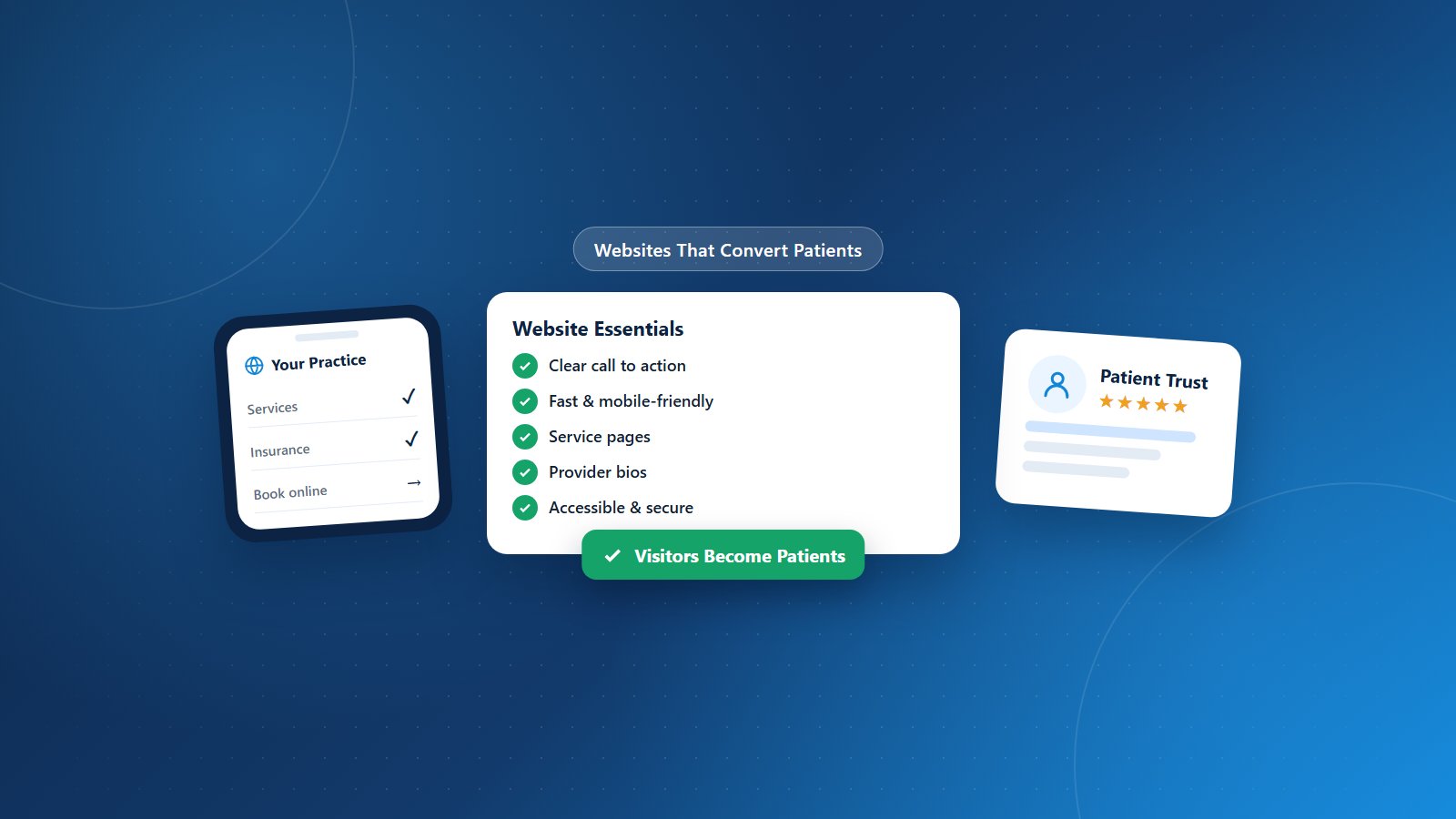
1. Make the Next Step Obvious
Every page should make it easy to take action. Place clear buttons to call, request an appointment or book online at the top of every page and throughout the content. On mobile, phone numbers should be tap-to-call.
2. Design for Mobile First
Most patients search for healthcare on their phones. Your website should load quickly, display clearly on small screens and have easy-to-tap navigation and buttons.
3. Load Fast
Slow websites lose visitors. Optimize images, use reliable hosting and minimize unnecessary scripts. Speed also supports search rankings.
4. Answer Patients’ First Questions
Patients want to know quickly:
- What services and conditions you treat.
- Where you’re located and your hours.
- Which insurance plans you accept.
- Whether you’re accepting new patients.
- How to schedule an appointment.
Make these answers easy to find.
5. Create Dedicated Service Pages
Individual pages for each major service or condition help patients find what they need and help search engines match your site to specific searches. Learn more in our medical SEO guide.
6. Introduce Your Providers
Provider bios with photos, credentials, specialties, languages spoken and a personal touch help patients feel connected before their first visit.
7. Build Trust
Display patient reviews (with appropriate permissions), affiliations, certifications and awards. Real photos of your office and team feel more authentic than stock images.
8. Make It Accessible
Accessible websites serve patients with disabilities and reduce legal risk. Use sufficient color contrast, descriptive image text, keyboard-friendly navigation and readable fonts.
9. Protect Privacy
Contact and appointment forms should be secure. Avoid collecting detailed health information through unsecured forms, and be cautious with tracking technologies on pages where patients share health information.
10. Keep Content Fresh
Update hours, providers, services and insurance information promptly. Regular educational content shows your practice is active and helps search visibility.
11. Simplify Patient Resources
Provide online forms, patient portal links, billing information and online bill payment. Convenience reduces phone calls and improves the patient experience.
12. Measure Results
Track website visits, calls from the website, form submissions and online bookings. Use the data to improve pages that underperform.
Website and Marketing Support From PRCM
Physicians Revenue Cycle Management’s healthcare digital marketing services help practices build websites and online experiences that attract and convert patients. Combined with our practice management and billing services, we support growth from first visit online to final payment.
Is your website turning visitors into patients? Let’s connect.