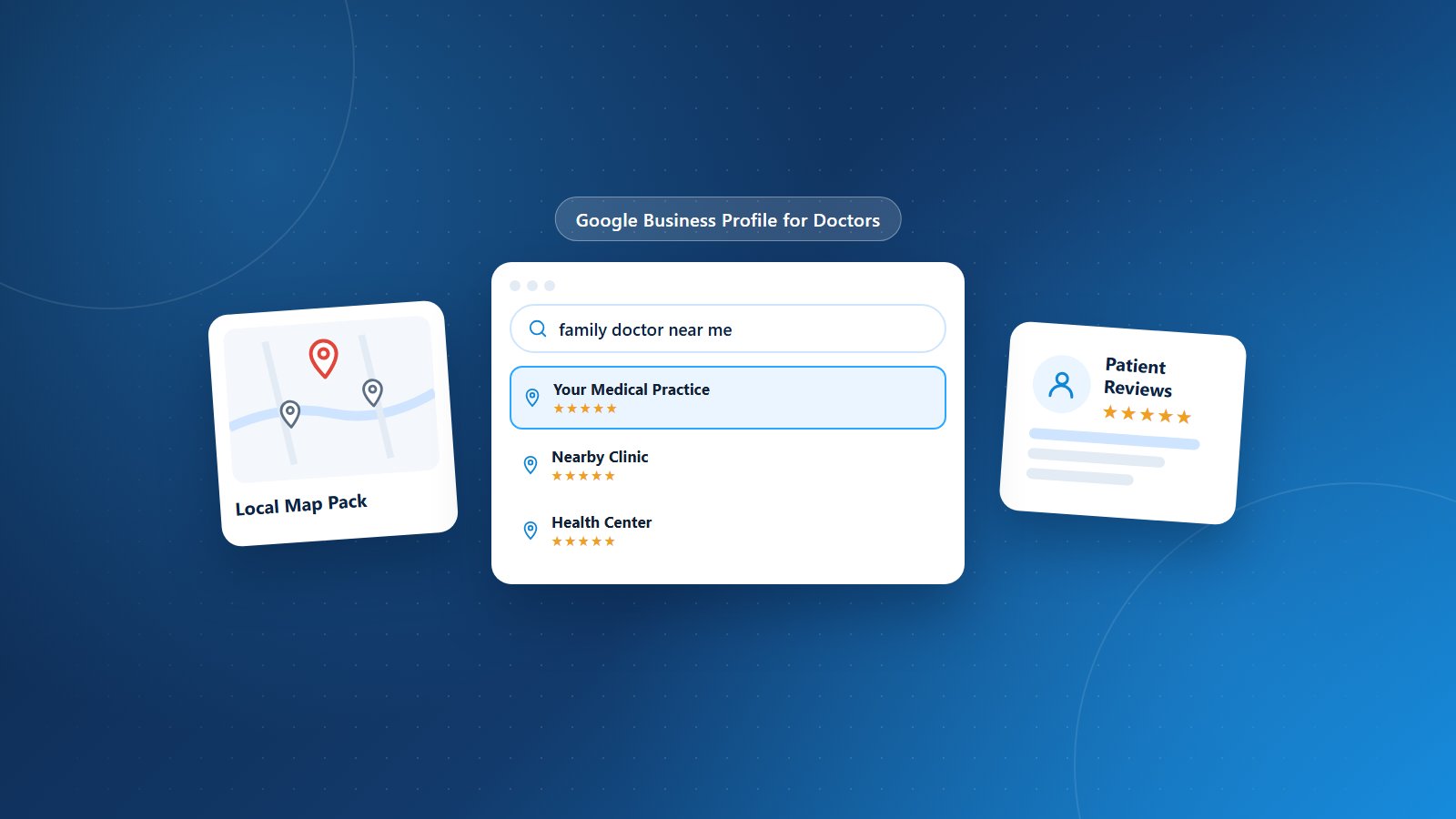
When patients search for a doctor, they rarely start on your website. They start on Google, and very often the first thing they see is a Google Business Profile: your practice name, star rating, reviews, hours, photos and a button to call or get directions. For many patients, that listing is their first impression of your practice.
A well-optimized Google Business Profile helps your practice appear in local search results and the map pack, earn patient trust and turn searches into appointments. Here’s how to make yours work harder.
Why Your Google Business Profile Matters
- Local visibility: Profiles are a major factor in appearing for searches like “family doctor near me.”
- Trust: Reviews, photos and complete information help patients choose with confidence.
- Action: Patients can call, request directions or visit your website directly from your profile.
- Free: It’s one of the most cost-effective marketing tools available.
1. Claim and Verify Your Profile
If you haven’t already, claim your practice’s profile and complete verification. Make sure you have owner access and that former employees or agencies don’t control it. Check for duplicate listings and request their removal or merger.
2. Get the Basics Exactly Right
Your name, address and phone number should match your website and other directories exactly. Inconsistent information confuses both patients and search engines. Also confirm:
- Accurate business hours, including holiday hours.
- The correct primary category (for example, “Pediatrician” or “Cardiologist”) and relevant secondary categories.
- Your website and appointment booking links.
- Accessibility attributes and services offered.
3. Consider Practice and Practitioner Listings
Multi-provider practices may have a listing for the practice and individual listings for providers. Make sure each is accurate and connected to the right location, and avoid creating duplicate listings for the same provider at the same address.
4. Write a Helpful Business Description
Describe your practice, specialties, services and the communities you serve in clear, patient-friendly language. Mention what makes your practice different without keyword stuffing.
5. Add Real Photos
Photos of your building exterior, waiting room, exam rooms and team help patients recognize your office and feel comfortable before their first visit. Update photos periodically and avoid stock images.
6. Build and Respond to Reviews
Reviews are one of the strongest drivers of local ranking and patient choice. Encourage satisfied patients to leave a review with a simple link after their visit. Respond to reviews professionally and promptly, and never confirm that a reviewer is a patient or discuss any health information in your response, to stay HIPAA compliant.
7. Use Posts and Q&A
Profile posts let you share news, seasonal reminders such as flu shot availability and new services. Monitor the questions section and provide accurate answers about parking, insurance accepted and appointment availability.
8. Track Performance
Review profile insights to see how patients find you, how many call or request directions and which searches trigger your listing. Use this data to refine your profile and marketing.
Common Mistakes to Avoid
- Outdated hours or phone numbers.
- Ignoring negative reviews or responding defensively.
- Duplicate listings competing with each other.
- Adding keywords to your practice name.
Grow Your Practice With PRCM
Physicians Revenue Cycle Management’s healthcare digital marketing services help practices build brand visibility, manage online reputation and attract the right patients. Combined with efficient billing and practice management, we help you grow sustainably.
Want more patients to find your practice online? Let’s connect.