When practices analyze their claim denials, they’re often surprised to find that many problems started at the front desk, not in coding or billing. A misspelled name, an outdated insurance card, a missing referral or an unverified plan can turn a perfectly coded claim into a denial. Because front-end errors happen at the very first step, they ripple through the entire revenue cycle.
Here’s how better patient intake and registration prevent costly claim denials.
Common Front-Desk Errors
- Demographic mistakes: Misspelled names, wrong dates of birth, incorrect addresses.
- Insurance errors: Wrong payer selected, outdated member IDs, incorrect group numbers.
- Subscriber information: Wrong policyholder name or relationship to the patient.
- Eligibility not verified: Inactive coverage or plan changes not caught.
- Missing referrals or authorizations for plans that require them.
- Coordination of benefits: Secondary coverage not captured or primary order wrong.
- Missing signatures on required forms.
Why These Errors Are So Costly
Front-end errors lead to rejections and denials that require research, correction and resubmission. Each rework costs staff time, delays payment and increases the risk that claims age past filing limits. Many front-end denials are also never reworked, resulting in lost revenue.
1. Standardize Registration
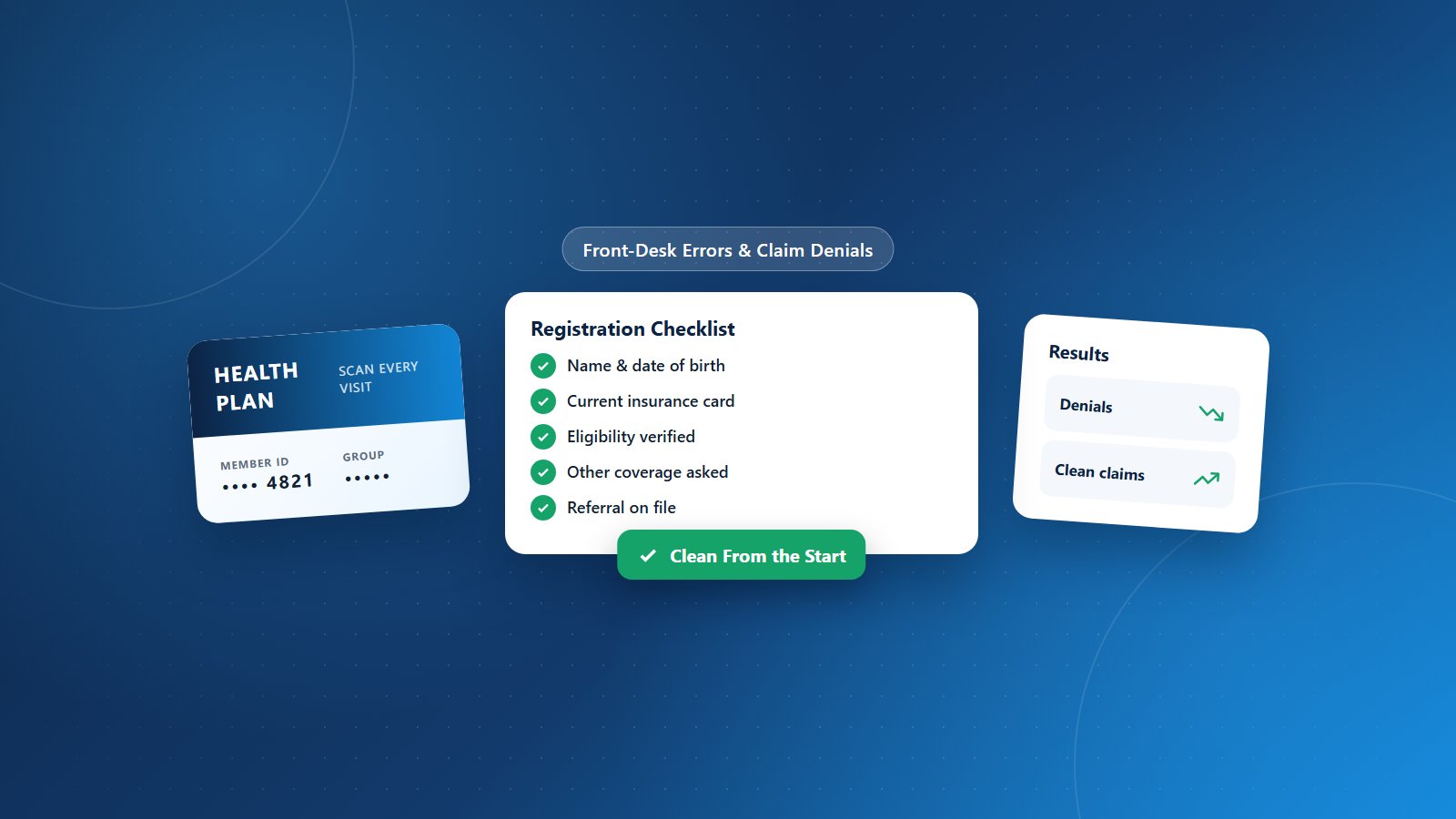
Create a consistent registration process and checklist for every patient. Required fields should be clearly defined, and staff should confirm information verbally with patients at each visit.
2. Scan Insurance Cards and IDs Every Visit
Ask for current insurance cards and photo ID at every visit, not just the first. Scan both sides of the card and compare details with the system.
3. Verify Eligibility in Advance
Run eligibility checks before appointments and again at check-in when needed. Update payer information immediately when coverage changes.
4. Capture All Coverage
Ask every patient whether they have any other insurance. Accurate coordination of benefits prevents denials and payment delays.
5. Check Referral and Authorization Requirements
Flag plans that require referrals or authorizations and confirm they’re on file before the visit.
6. Use Pre-Registration and Online Intake
Online pre-registration lets patients enter or confirm information before arriving. Staff can review and verify it in advance, reducing errors and wait times.
7. Use Technology to Catch Errors
Address verification tools, real-time eligibility and claim scrubbers can flag missing or inconsistent data before claims are submitted.
8. Train and Measure
Train front-desk staff on the impact of their work on revenue. Track registration-related denials by staff member and location, and use the data for coaching rather than blame.
9. Make Accuracy Part of the Culture
Front-desk teams are often busy and under pressure. Give them time, tools and recognition for accuracy. Their work determines whether claims get paid.
Front-End Support From PRCM
Physicians Revenue Cycle Management provides pre-encounter services including eligibility verification, benefits checks and prior authorizations, plus training and denial analysis. Our revenue cycle management approach starts at registration so claims are clean from the beginning. Read more about the most common claim denial reasons.
Want fewer denials starting at the front desk? Let’s connect.