Payers update their policies constantly. Coverage criteria change, prior authorization lists expand, documentation requirements shift, reimbursement methods evolve and new claim edits appear. Many updates are announced through bulletins, newsletters or website postings that busy practices never see. The first sign of a change is often a wave of denials or lower payments.
Here’s how payer policy changes impact your revenue and how to stay ahead of them.
Types of Payer Policy Changes
- Coverage policies: Which diagnoses and circumstances support coverage for a service.
- Prior authorization requirements: New services added to authorization lists.
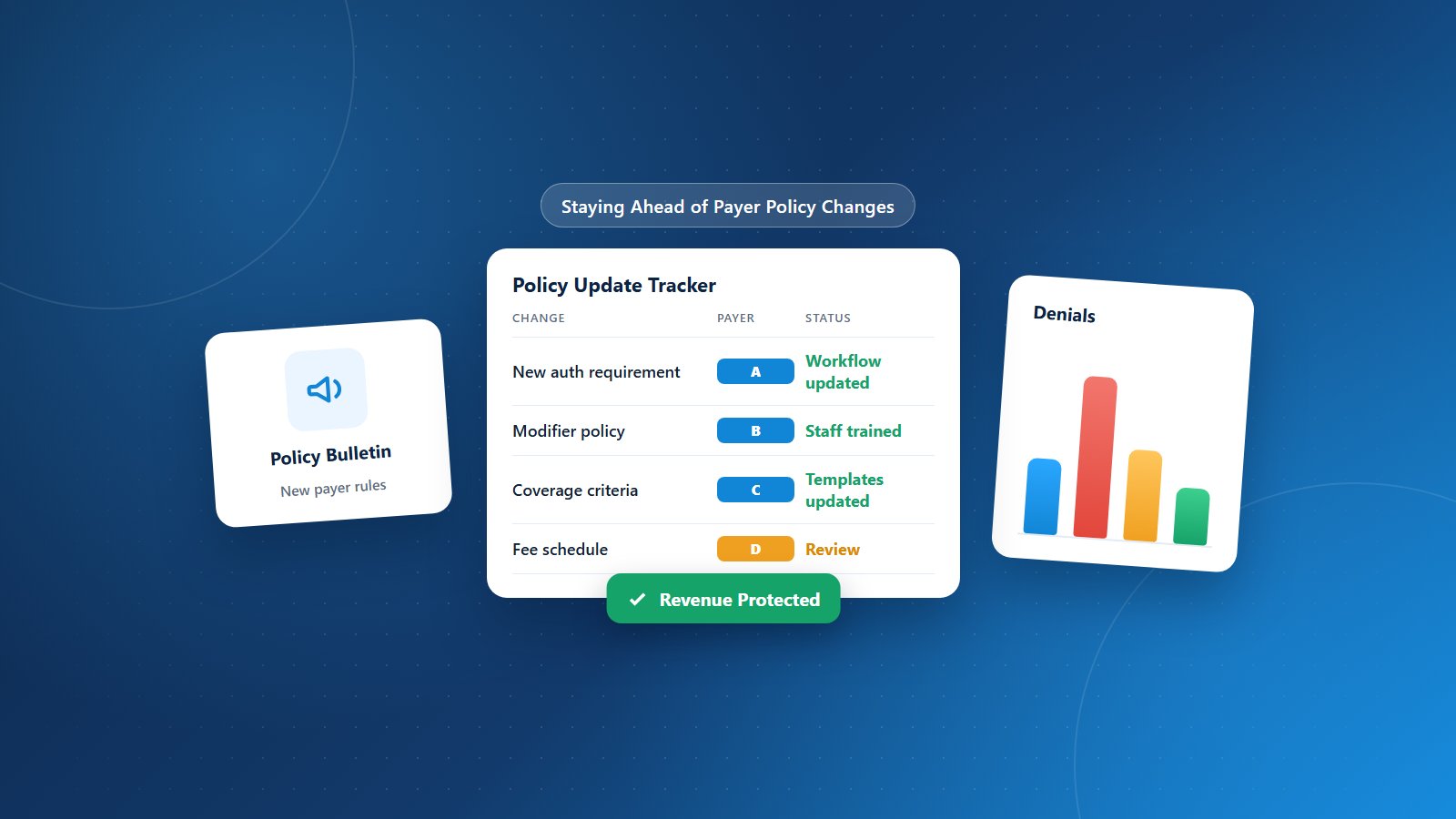
- Reimbursement policies: How the payer handles modifiers, multiple procedures, bundling or site-of-service differences.
- Documentation requirements: What records must show to support payment.
- Claim submission rules: Format, coding or attachment requirements.
- Fee schedule updates: Changes to payment rates.
- Network and plan changes: New products, networks or administrators.
How Changes Affect Revenue
- Sudden spikes in denials for specific services.
- Reduced payments due to new reimbursement methodologies.
- Delays from new authorization or documentation requirements.
- Increased administrative work to comply.
Step 1: Assign Ownership
Designate someone, whether a billing manager, compliance lead or billing partner, to monitor policy updates for your major payers.
Step 2: Subscribe and Check Regularly
Sign up for payer newsletters and provider bulletins, and check payer policy pages on a regular schedule. Pay special attention to policies affecting your high-volume and high-value services.
Step 3: Translate Changes Into Action
For each relevant change, determine what needs to happen: updating authorization lists, revising templates, educating providers, changing charge rules or adjusting scheduling workflows. Communicate changes clearly to the people affected.
Step 4: Watch Your Denial Data
Denial trends often reveal policy changes before you read about them. Monitor denials weekly by payer, reason and service, and investigate sudden increases immediately.
Step 5: Monitor Payments
Compare payments with expected amounts to detect reimbursement changes. Learn more about detecting underpayments.
Step 6: Use Your Payer Representative
When a policy change creates confusion or inconsistent processing, contact your provider representative for clarification and escalation.
Step 7: Push Back When Appropriate
If a policy conflicts with your contract or creates unreasonable burdens, raise concerns with the payer, through professional societies or during contract negotiations.
Step 8: Document Your Process
Keep a log of policy changes, actions taken and effective dates. This history helps with appeals, training and audits.
Stay Ahead With PRCM
Physicians Revenue Cycle Management monitors payer policy updates across Medicare, Medicaid and commercial plans as part of our revenue cycle management services. We adjust workflows, educate teams and appeal incorrect denials so policy changes don’t catch you off guard.
Tired of surprise denials from policy changes? Let’s connect.